
 Android · Closed alpha
Work photos have
a job to do.
Give them a place of their own. Work Cam keeps your photos organized by job, so the right picture is there when you need it.
For US-based testers on Android 7 or newer.
A simple camera for the job.
No cloud backup service. No ads. No monthly fees.
- Photos saved on your phone
- Named job folders & numbered filenames
- Offline photo capture
- Share screenshots into a job
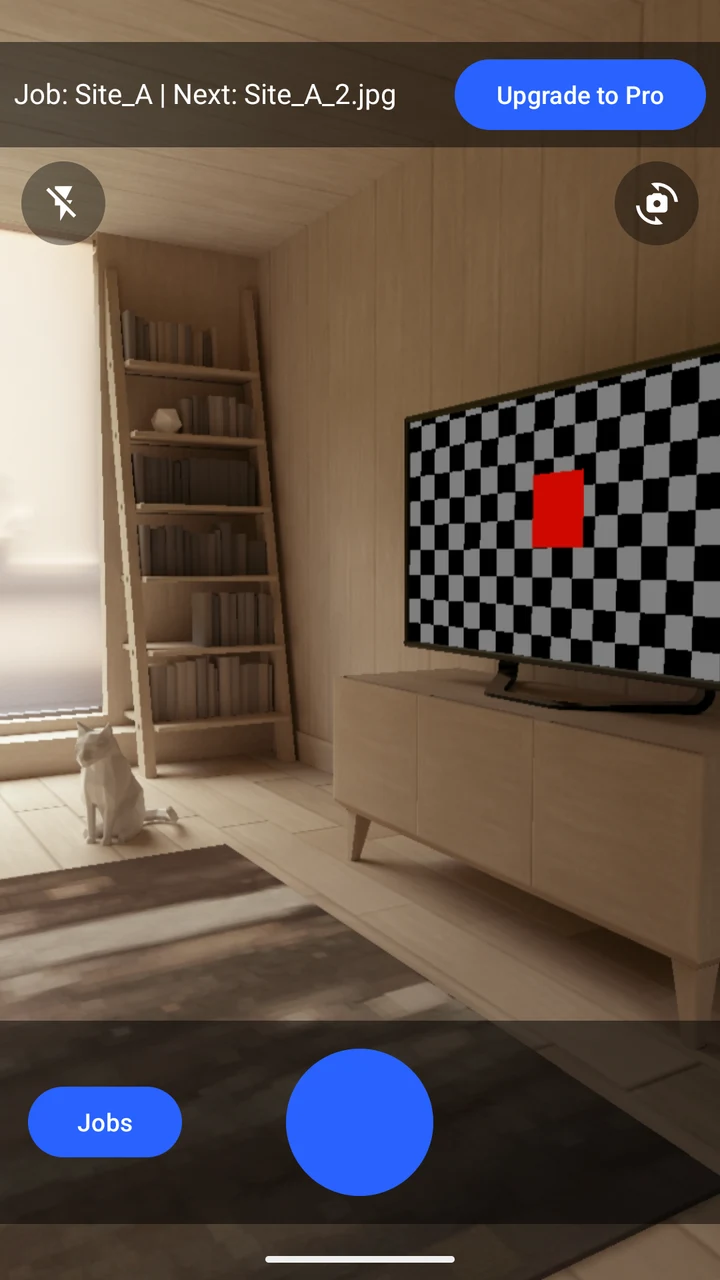
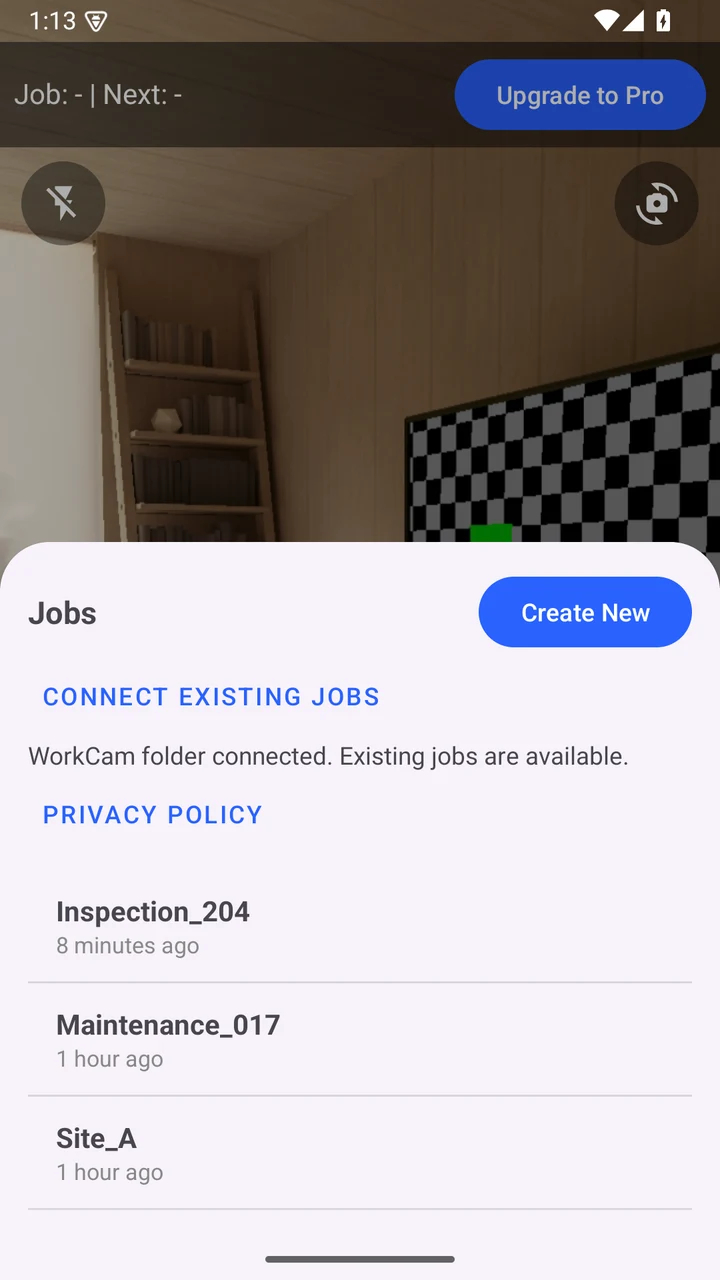
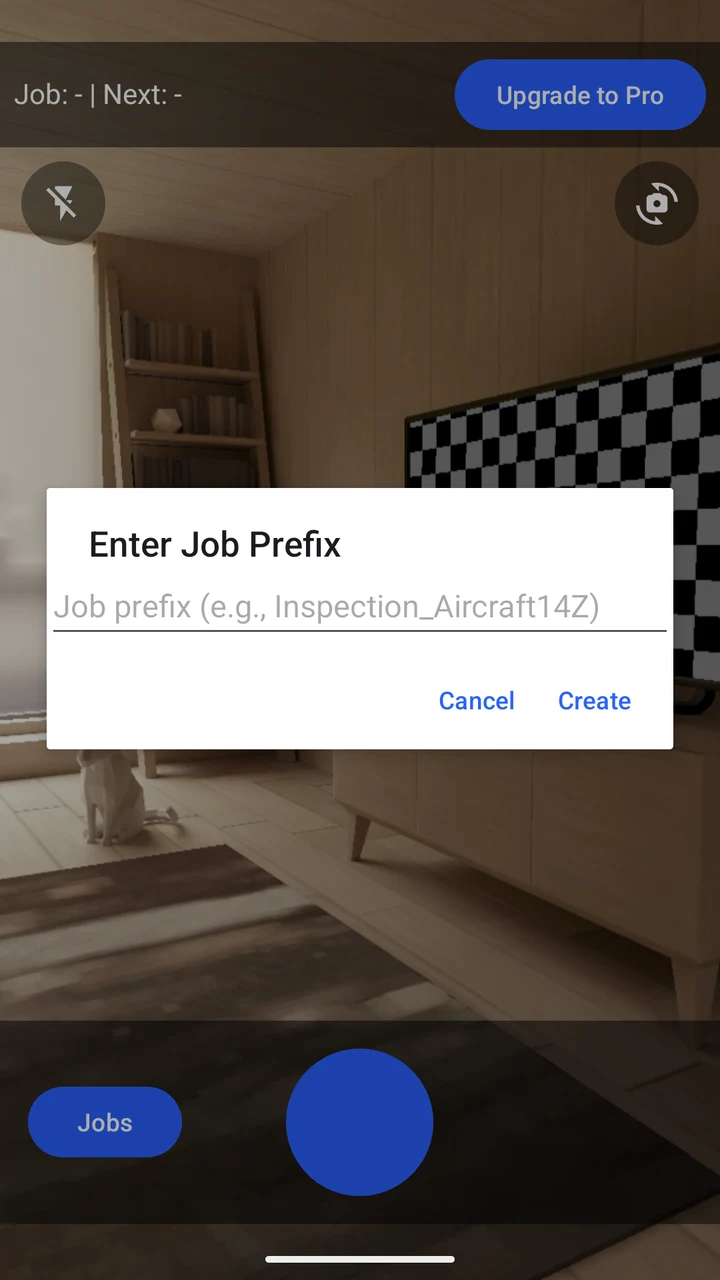
Actual app screens with sample jobs and photos.
Built for the everyday
Less organizing.
More getting on with it.
Capture without the cloud.
Take photos offline with flash, zoom, and camera switching. Work Cam saves them to named job folders on your phone.
Keep the details together.
Job names and running numbers in filenames make photos easier to find. Share screenshots and images from other apps into the same job.
Your photos stay yours.
No Work Cam account or developer photo-upload service. Android’s storage controls handle access to your existing job folders.
A straightforward purchase
Try it first.
Keep it with one purchase.
Work Cam is currently in closed alpha testing. The app offers a free allowance, with an optional one-time Pro purchase through Google Play.
Pro removes the allowance limits and the watermark on new camera photos. It stays unlocked without a subscription, with updates included.
What the current free allowance includes
- 3 jobs and 9 saved images in total
- Camera photos include a watermark
- Shared-image imports use the same allowance, without adding a watermark
- Deleting an image does not reset the allowance
Alpha testers can request a free Pro code to continue testing. A purchase isn’t required to take part.
Before you give it a try.
How do I join the alpha?
Join the Work Cam Alpha Testers Google Group with the same Google account you use in the Play Store. Then follow the group’s Play testing link and choose Become a tester. Joining the group alone does not enroll you in the app test.
The alpha is for US-based volunteers on Android 7 or newer. Availability follows Google Play’s current testing eligibility and review status.
Can I buy the public release yet?
Work Cam is in closed alpha, rather than a general production release. Use the testing route above. Google Play shows the current purchase price wherever the optional Pro purchase is available.
Does Work Cam upload or hide my photos?
Work Cam has no photo-upload or cloud backup service. Photos are stored in your phone’s shared photo storage, rather than an encrypted vault. Other apps with permission can see them, and a photo backup service you enable may back them up.
Can I add existing images or screenshots?
Yes. Use Android’s Share menu and choose Work Cam - Save to job. PNG, JPEG, and WebP images are saved as independent copies. Work Cam does not move or change the original images.
How do I reconnect existing job folders?
On Android 10 or newer, use Jobs → Connect existing jobs and select your WorkCam folder or a job inside it with Android’s folder picker. Reconnect after reinstalling, revoking folder access, or moving the folder. Android 7–9 uses legacy storage permissions.
Small tools. A lasting difference.
Good software is worth supporting.
If our apps make your day a little easier, you can help keep them growing.